
Compress Video (Strong)
Compress a video to the smallest possible file size.
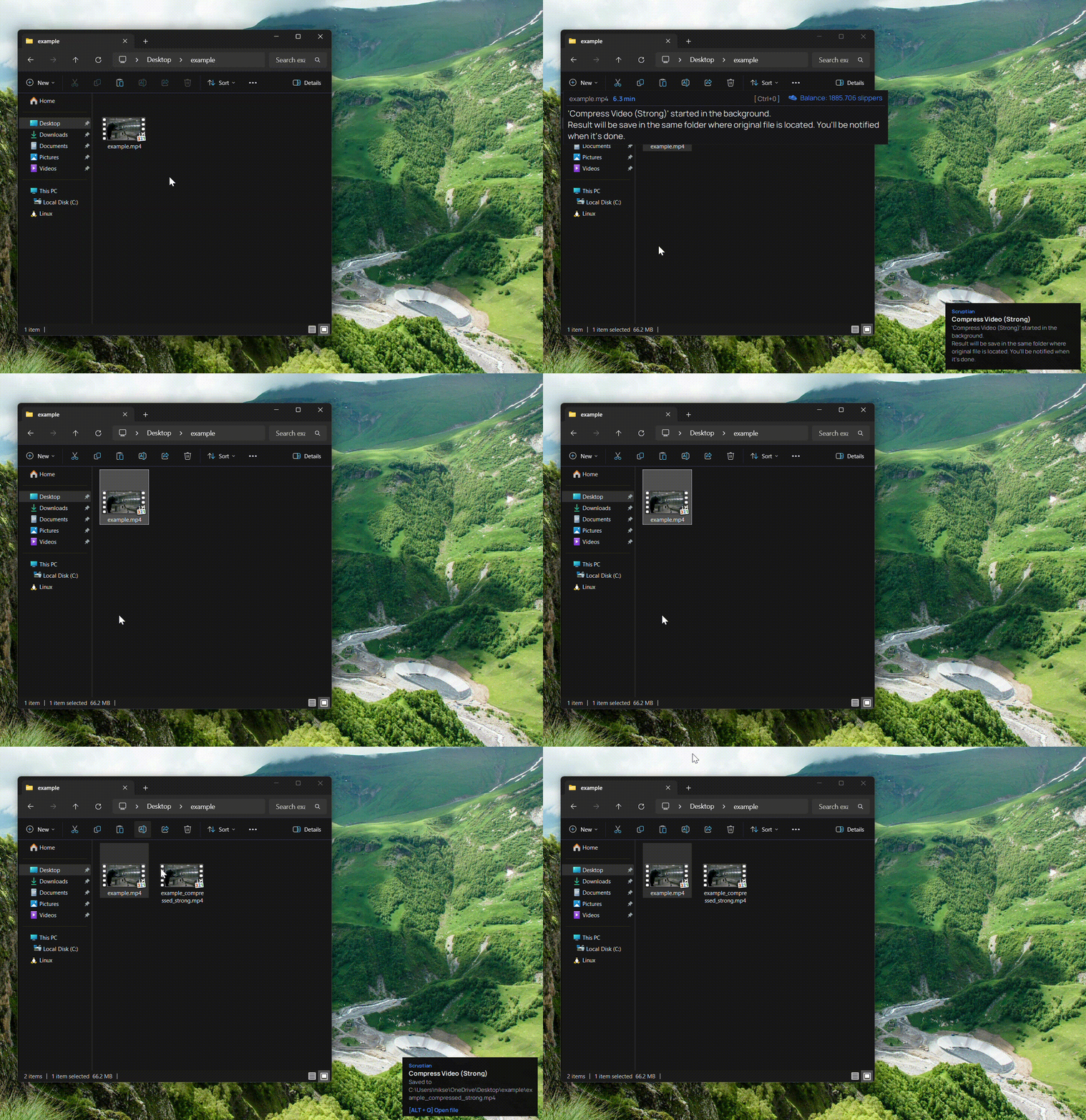
What this action does
- Aggressive H.264 compression
- Smallest possible file size
- AAC audio at 128k
- Runs locally with ffmpeg
- Free to use
Compress Video (Strong) squeezes a video down to the smallest size possible. It re-encodes to H.264 with an aggressive CRF, trading some quality for maximum space savings — perfect for email attachments, messaging apps, and long videos you just need to store.
Runs locally with ffmpeg, with no upload and no cost. Copy a video, press Ctrl+Alt, and the compressed MP4 is saved next to the original.
Choose Strong when size matters more than quality.
How it works
- 1
Download
Free app for Windows.
- 2
Copy a file
Select any file
- 3
Press Ctrl+Alt
The bar opens over your file.
- 4
Pick this action
Done. Pay only for the result.
- 5
Result file
Result files appears in the same place where original.